
See and steer many coding agents from one tmux window
fleet runs your Claude Code, Copilot CLI, agy, vibe and Pi sessions side by side. Each one gets a status tile, the ones you work with sit on a wall of live panes, and one agent, the admiral, can report on the rest and act for you.
Try it without spending tokens
curl -fsSL https://raw.githubusercontent.com/sturlabragason/fleet/main/install.sh | sh
fleet doctor                       # checks tmux 3.3+ and your agent CLIs
fleet up --admiral-profile fake    # fake agents cycle through working, waiting and error
When that looks right, start it for real with fleet up --admiral-profile claude (or copilot). Windows: see the install guide.
The wall
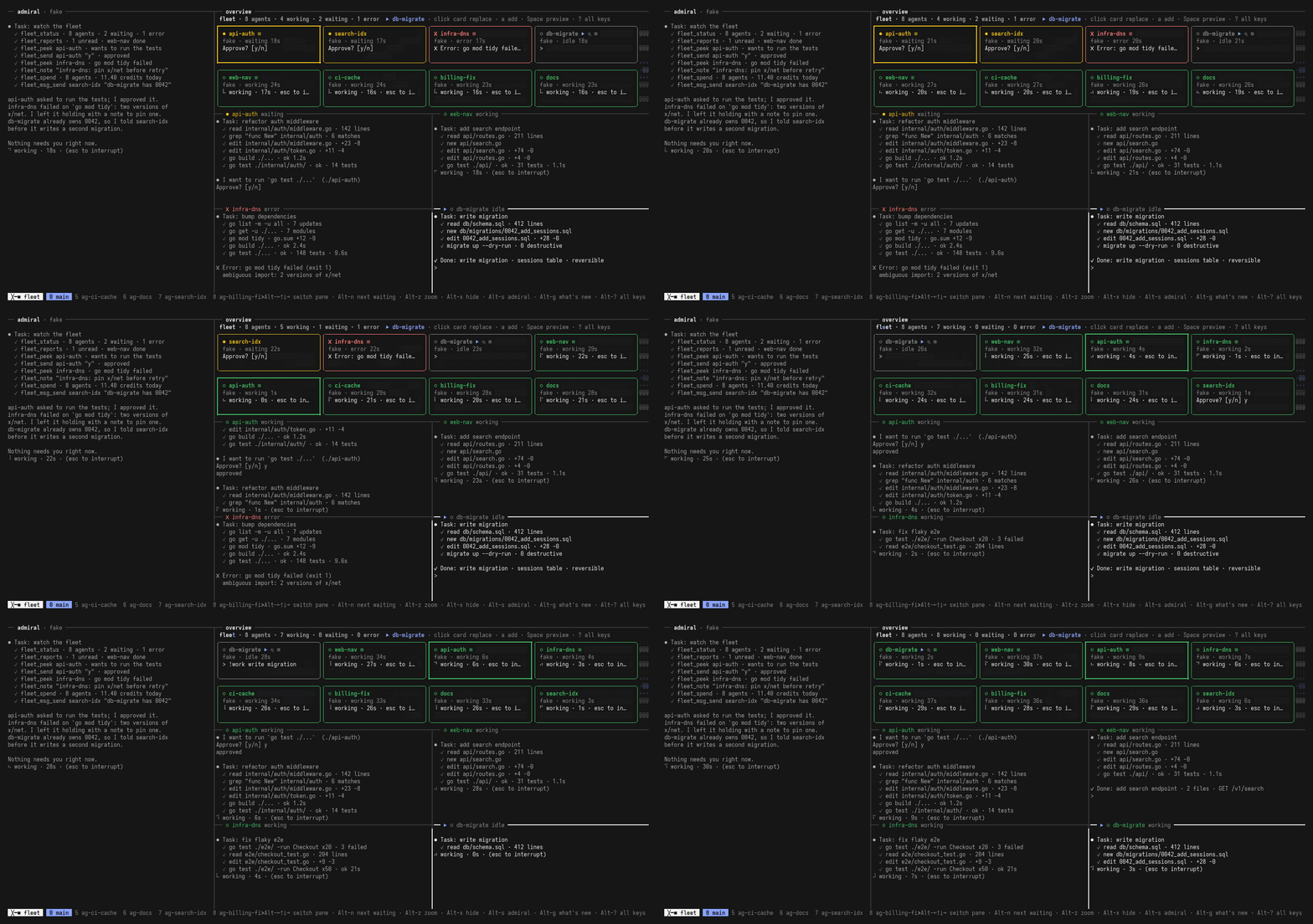 Fake agents and a fake admiral, so no tokens were spent.
What it does
- A tile per agent, sorted so the ones waiting on you come first. Status is read from each tool's own screen.
- A wall of live panes you can type into.
Tabjumps to the next agent that needs you. - In a git repo each agent gets its own worktree and branch, and
fleet mergerebases and checks one back into main. - The admiral has MCP tools to read the others' status, peek at their screens, answer them and spawn new ones.
- Runs on its own tmux socket, so your tmux config and sessions are not touched.
Themes
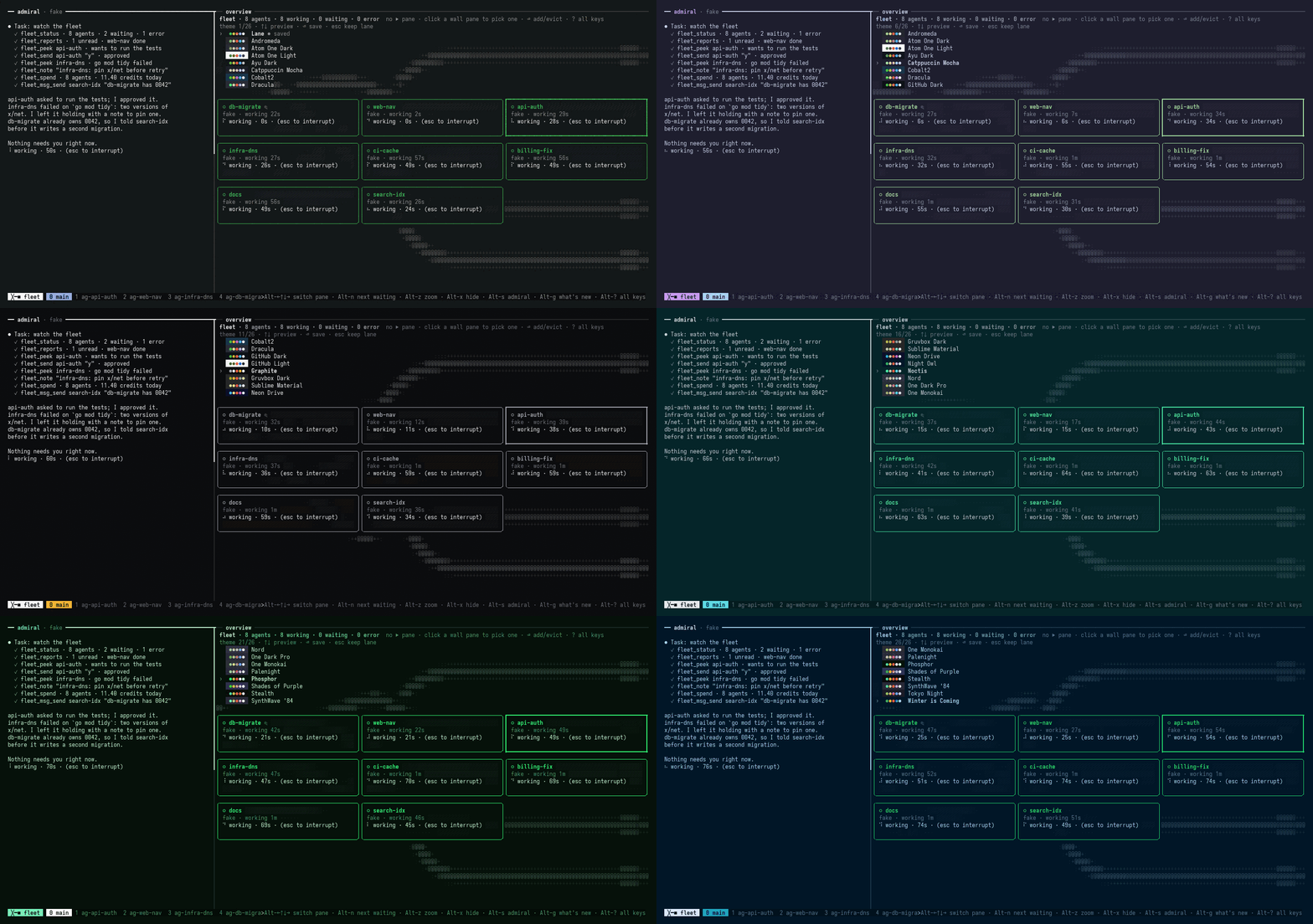 Press
T in the overview to preview every theme.
Status
Go, MIT licence. Linux is used daily; macOS builds but is less tested; Windows runs without the wall. Questions go to Discussions, bugs to issues.